Downloaded Video Has No Sound? Why It Happens and How to Fix It
By Qamar Aftab, SaveDock · Updated
You download a video in 1080p, press play, and the picture is perfect but there is no sound at all. This is one of the most common problems with video downloaders, and it is almost never your speakers. The cause is how YouTube, Facebook and Instagram store HD video, and once you know it the fix takes a minute.
Skip the reading?
Use the YouTube Video Downloader or the main downloader.
The real reason: video and audio are stored separately
Since around 2013 YouTube has delivered most videos above 360p as two separate files: one holds only the picture, the other holds only the sound. Your browser or the YouTube app downloads both at the same time and plays them together, so you never notice. Facebook and Instagram use the same approach for many HD videos and Reels.
A simple downloader grabs the best-looking file, which is the video-only stream. The result is a sharp video with no audio track inside it. Lower qualities such as 360p often still come as one combined file, which is why a 360p download from the same tool may have sound while the 1080p one does not.
Fix 1: use a downloader that merges the streams
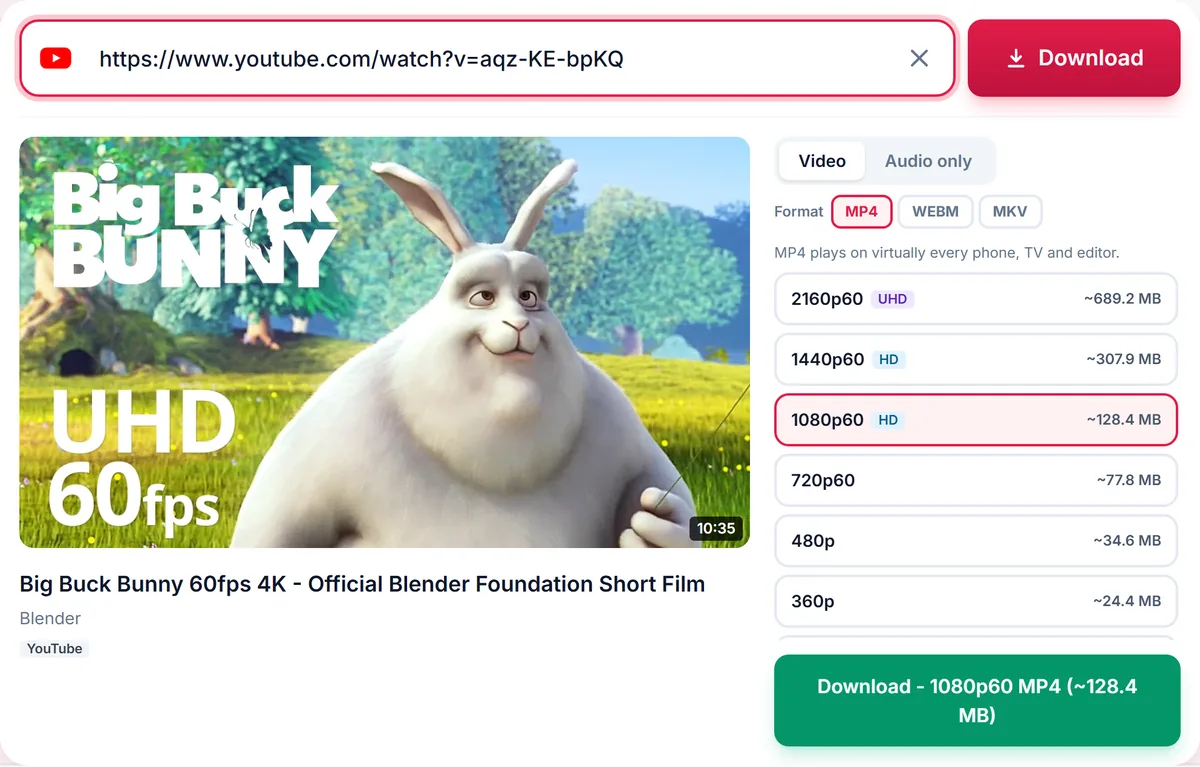
The proper fix is to download the video stream and the audio stream and join them into one file, a step called muxing or merging. SaveDock does this automatically for every HD option: when a quality is marked as merged, the best audio stream is downloaded too and combined with the picture before you save the file, so every 720p, 1080p, 1440p and 4K download has sound.
Merging does not re-encode the video, so there is no loss of quality. It takes a few extra seconds for long videos, which is why HD files show a short preparing step before the Save button appears.
Fix 2: check that the player supports the audio codec
Sometimes the file does contain audio, but the player cannot decode it. WebM and MKV files often carry Opus audio, which some older TVs, car systems and video editors do not support. The video plays silently because the player skips a track it does not understand.
To check, open the file in VLC, which plays almost every codec. If you hear sound in VLC, the file is fine and the problem is your player. Download the MP4 option instead, which uses AAC audio that every phone, TV and editor supports.
Fix 3: re-download if the file was interrupted
A download that stopped halfway can leave a file whose audio is cut off or missing, especially on mobile data or when the phone locks during the download. Compare the file size with the size shown before you downloaded it. If it is much smaller, delete the file and download it again on Wi-Fi, keeping the browser open until it finishes.
Fix 4: make sure the source has sound
Some videos genuinely have no audio: silent clips, GIF-style posts on X, and videos where the creator removed copyrighted music. Play the original on the platform first. If it is silent there, no downloader can add sound. On SaveDock the Audio tab lists no formats for a video without an audio track, which is a quick way to tell.
Quick checks before anything else
Make sure the media player is not muted and the system volume is up, check that Bluetooth headphones are not still connected to the device, and try a second file to see whether the problem is the file or the device. If only one app is silent, update it or switch to VLC.
Frequently asked questions
Why does my 1080p download have no audio but 360p does?
Above 360p the picture and sound are stored separately. A downloader that does not merge them saves only the picture.
Can I add the sound back to a silent download?
Only by downloading the audio separately and merging both files with a tool such as ffmpeg. Downloading again with a merging downloader is simpler.
Does merging reduce quality?
No. The streams are copied into one file without re-encoding.
Which format is safest for sound?
MP4 with AAC audio plays with sound on every phone, TV and editor.
Keep reading
Only download content you own, that is licensed for download, or that is in the public domain. See our Terms of Service.