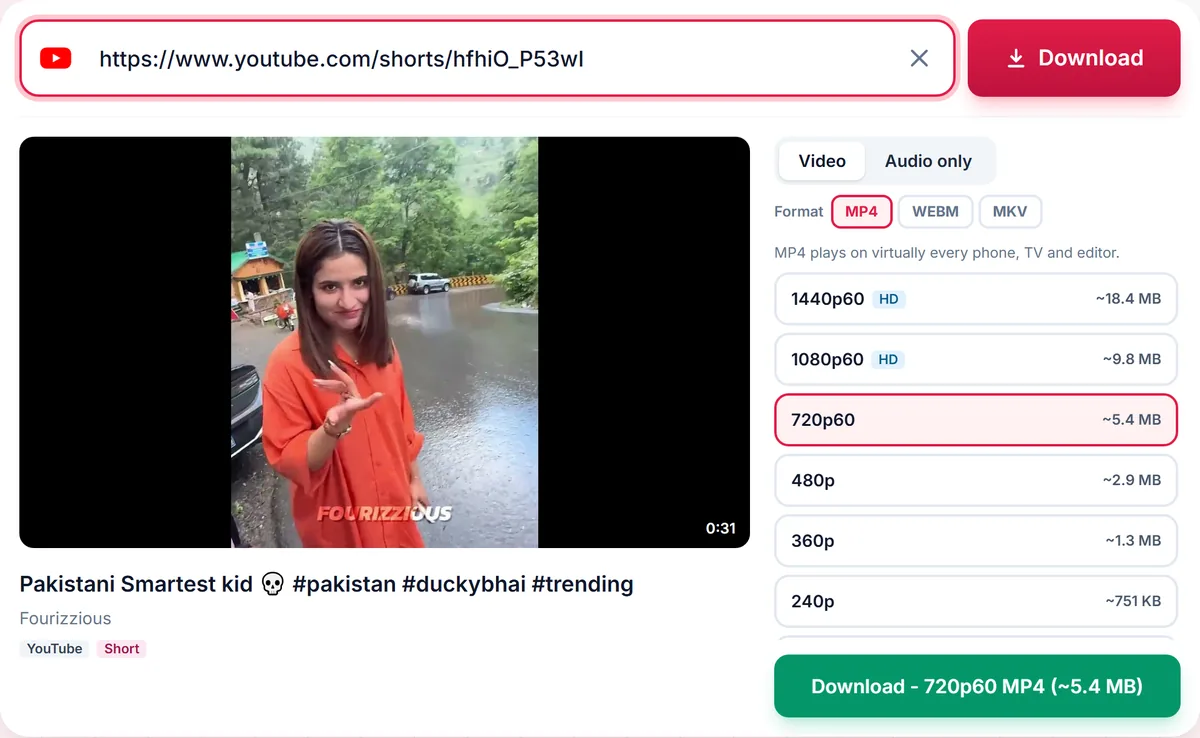
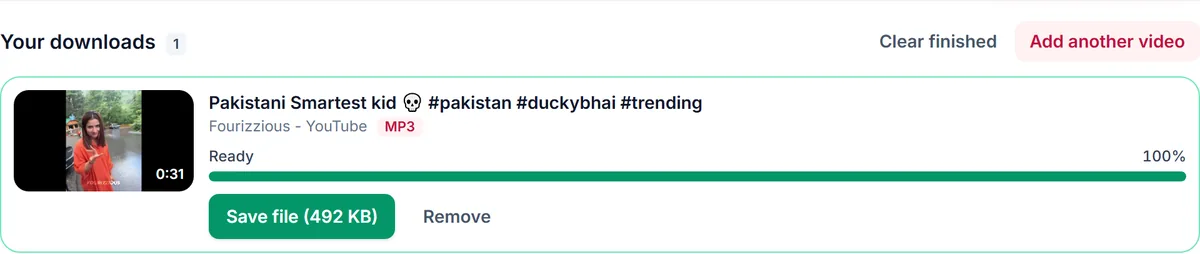
Save the sound of any public YouTube Short as MP3, M4A, Opus or WAV. Paste the youtube.com/shorts link and download the audio in seconds.
Still working. Some sites answer slowly, so this can take up to a minute.
Short
Playlist
Format
Nothing available in this category for this link.
Your downloads
✓ Free, no sign-up✓ Up to 4K & MP3✓ Playlists & Shorts✓ Works on any device
How to use the YouTube Shorts to MP3 Converter
1
Open the Short in the YouTube app or website, tap Share and choose Copy link.
2
Paste the Shorts link above. The Audio tab opens with every format and bitrate the Short supports.
3
Choose MP3 (or M4A on iPhone) and press Download, then Save file.
Shorts links work as they are
A Shorts link looks like youtube.com/shorts/VIDEO_ID. You do not need to rewrite it as a watch link: paste it exactly as you copied it, with or without tracking text, and the video ID is read automatically. Links shared from the app (youtu.be) work too.
Which audio format for a Short?
MP3 plays on every phone, car stereo and editor, so it is the safe choice for a ringtone, a notification sound or a clip for a school project. M4A is smaller at the same quality and plays natively on iPhone. WAV is uncompressed for editing in a video or audio app. Shorts are under three minutes, so even a 320 kbps MP3 is only a few megabytes.
Honest bitrates
Shorts often carry 128 kbps audio. We only list bitrates the source can actually fill, because converting 128 kbps audio to 320 kbps makes a bigger file without adding any detail. If 320 kbps is missing, the Short simply does not have that much audio data.
Use sounds you are allowed to keep
Many Shorts use licensed music. Save the audio for personal listening, for your own Shorts, or with the creator's permission. To reuse a trending sound in a new Short, the Remix button inside YouTube is the licensed way to do it.
Only download content you own, that is licensed for download or that is in the public domain. See our Terms of Service.
Troubleshooting Shorts to MP3
The link opens a normal video page
That is fine. A Short opened on a computer can show as a watch page; both links give the same audio.
The MP3 is very short
Shorts are at most three minutes long, so the audio is too. The file holds the whole Short.
I cannot find the file on iPhone
Open the Files app, tap Browse and open Downloads. Safari saves every download there.
MP3 is not offered
Audio conversion may be temporarily unavailable. Choose Original audio, which plays on most devices.
Tips for saving Shorts audio
Use M4A on iPhone and MP3 everywhere else.
Pick 128 kbps for voices and 192 kbps for music.
Use the Remix button in YouTube to reuse a sound in your own Short legally.