
Skip to content

YouTube to M4A Converter

Save the audio of a YouTube video as M4A, the AAC format YouTube itself streams, so you get the best sound in the smallest file.

✓ Free, no sign-up✓ Up to 4K & MP3✓ Playlists & Shorts✓ Works on any device

How to use the YouTube to M4A Converter

  1. Copy the link of the YouTube video, Short or playlist.

    A YouTube video link pasted into the SaveDock download box, with the YouTube tab selected
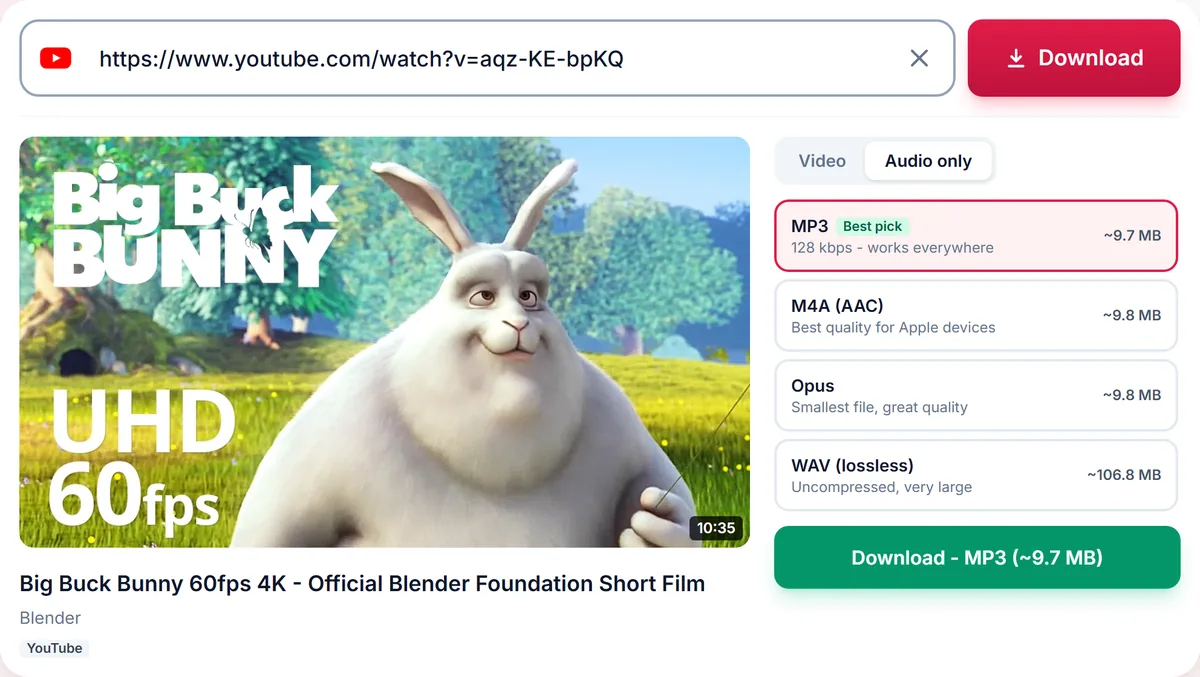
  2. Paste it above. The Audio tab opens with M4A listed next to MP3, Opus and WAV.

    Audio only tab with MP3, M4A, Opus and lossless WAV options and their file sizes
  3. Choose M4A (AAC) and press Download.

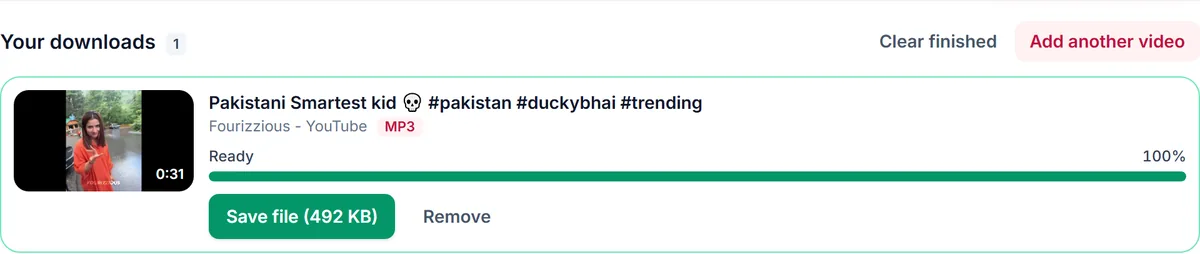
    A finished MP3 download in Your downloads, ready to save

Why M4A is the best YouTube audio format for most people

YouTube streams its audio as AAC inside an M4A file. Choosing M4A means we take that track as it is instead of decoding it and compressing it again as MP3. No second lossy step means no extra quality loss, and the file is usually smaller than an MP3 of similar quality.

Plays natively on Apple devices

M4A is the native audio format of iPhone, iPad, Mac, iTunes and Apple Music. It also plays on Android, Windows, VLC and most car systems made in the last decade. Choose MP3 only if an older player or a website upload form refuses M4A.

M4A vs MP3 at a glance

Both are lossy. At the same file size AAC sounds a little better than MP3, especially at 128 kbps and below, which is why streaming services use it. MP3 wins on compatibility with very old hardware. For music on a phone, M4A is the better default.

Whole playlists as M4A

Paste a playlist link to convert many videos at once. Tick the ones you want, choose M4A once, and every track becomes its own file named after the video.

Only download content you own, that is licensed for download or that is in the public domain. See our Terms of Service.

M4A vs MP3 vs WAV for YouTube audio
FormatBest forSize per minute
M4A (AAC)iPhone, Apple Music, everyday listeningAbout 1 MB
MP3 192 kbpsOld players, car stereos, upload formsAbout 1.4 MB
OpusSmall files, modern playersAbout 1 MB
WAVEditing in a DAW or video editorAbout 10 MB

Troubleshooting YouTube to M4A

My player does not open M4A
Very old players only accept MP3. Choose MP3 192 kbps instead.
The file shows no album art
Downloads carry the title but no cover image. Add artwork in your music app if you want it.
M4A is not listed
Audio conversion may be temporarily unavailable. Choose Original audio, which is usually M4A as well.

Tips for M4A downloads

  • Pick M4A for iPhone and Apple Music.
  • Convert albums by pasting the playlist link.
  • Keep MP3 for devices made before about 2010.

Related guides

YouTube to M4A downloader FAQ

Is M4A better than MP3?

At the same size AAC in M4A sounds slightly better and is more efficient. MP3 is more widely supported by very old devices.

Will an M4A play on Android and Windows?

Yes. Android, Windows Media Player, VLC and most modern players open M4A files.

Can I add an M4A to Apple Music?

Yes. On Mac drag it into the Music app; on iPhone open it from the Files app.

Is there a bitrate choice for M4A?

M4A keeps the bitrate of YouTube's own audio track, which is the best available for that video.

Is the M4A converter free?

Yes, free with no sign-up.

How is your experience?

Rate your experience from 1 (bad) to 5 (excellent)