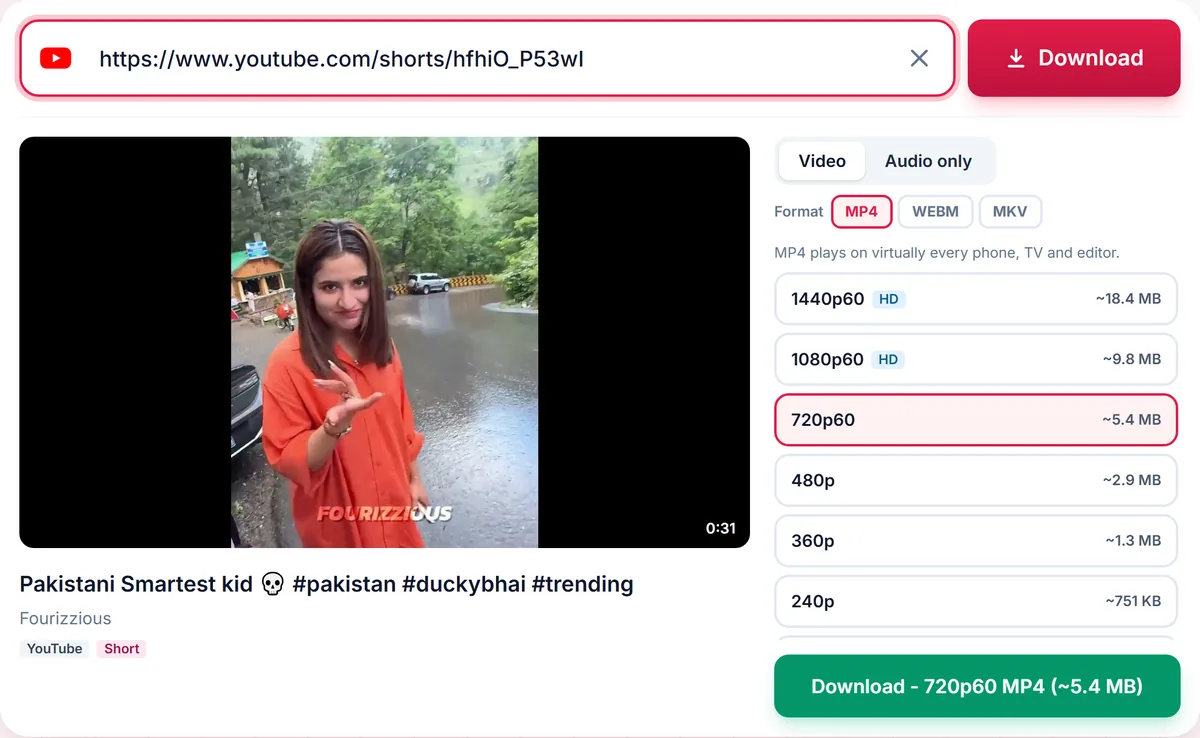
Save YouTube Shorts as vertical MP4 videos in their original quality, or extract the audio. Just paste the Shorts link.
Still working. Some sites answer slowly, so this can take up to a minute.
HD merging and audio conversion are temporarily unavailable, so only ready-made options are shown.
Short
Playlist
Format
Nothing available in this category for this link.
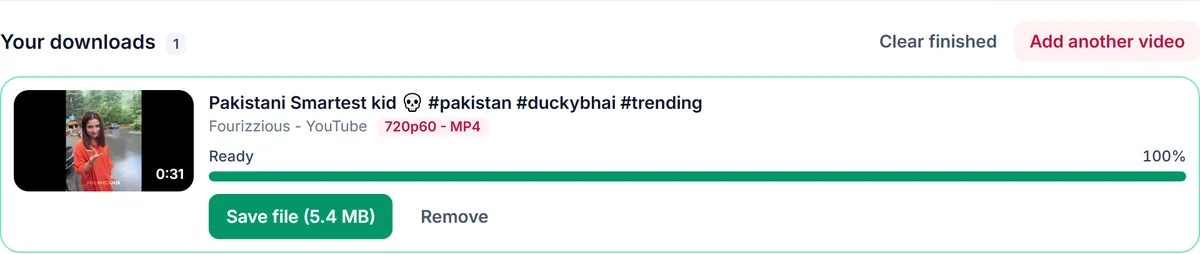
Your downloads
✓ Free, no sign-up✓ Up to 4K & MP3✓ Playlists & Shorts✓ Works on any device
How to use the YouTube Shorts Downloader
1
Open the Short and tap Share, then Copy link.
2
Paste the youtube.com/shorts link into the box above.
3
Select the quality and press Download to save the vertical video.
Vertical video, handled correctly
Shorts are portrait videos, so resolution is measured on the short side. A 1080x1920 Short is listed as 1080p, exactly as you would expect, and the download keeps the original aspect ratio with no cropping or black bars.
Works with every Shorts link format
Paste youtube.com/shorts links, youtu.be share links or the normal watch URL. We normalise them automatically.
Audio from a Short
Want the sound of a Short? Use the Audio tab for MP3 or M4A.
Only download content you own, that is licensed for download or that is in the public domain. See our Terms of Service.
Troubleshooting Shorts downloads
The Short is saved with black bars
Shorts are vertical. Some players show them with bars on a widescreen display. The file itself keeps the original portrait size.
The link will not paste correctly
Copy the link from the Share button. Shorts links look like youtube.com/shorts/ID and are converted automatically.
The quality seems lower than expected
Quality is measured on the shorter side, so a 1080 by 1920 Short is listed as 1080p. Older Shorts may only exist in 720p.
I want only the sound
Open the Audio only tab and choose MP3 or M4A.
Tips for saving Shorts
Choose MP4 for easy sharing to messaging apps.
Download the highest quality if you plan to edit the clip.