How to Save Instagram Reels to Your Phone
By the SaveDock team · Updated
Instagram does not offer a download button for most Reels, but public Reels can be saved with a link. Here is the quickest way, plus what to do when a Reel will not load.
Skip the reading?
Use the Instagram Reels Downloader or the main downloader.
Copy the Reel link
Open the Reel in the Instagram app, tap the paper-plane Share icon, then Copy link. On a computer, copy the address from your browser. Links containing /reel/, /reels/, /p/ or /tv/ are supported.
Download it
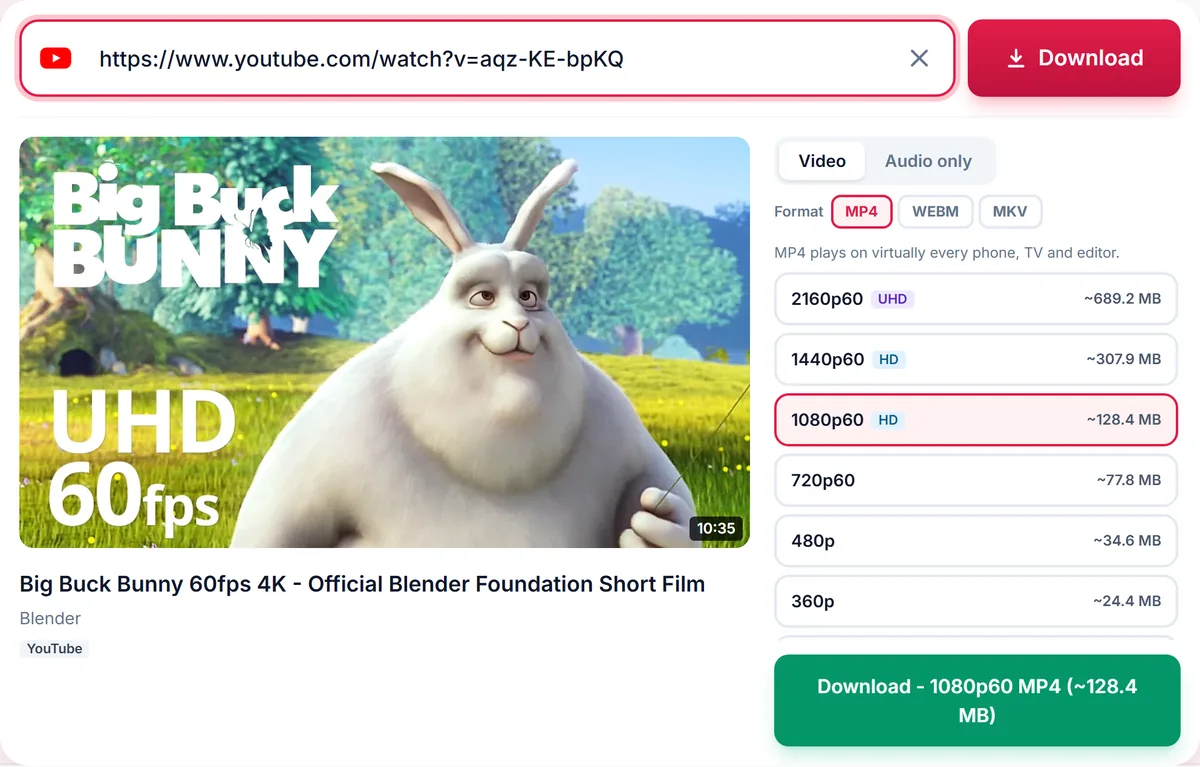
Open SaveDock, paste the link and wait a few seconds. Choose a quality and tap Download. The video is saved as an MP4 in its original vertical format with sound.
Only public content works
Reels from private accounts, and anything that requires you to log in, cannot be downloaded. We never ask for your Instagram password, and you should never enter it on a downloader site.
Using the audio
If you only want the sound, open the Audio only tab and choose MP3 or M4A. Remember that music in Reels is usually licensed to the platform, so use it for personal listening only.
Respect creators
Reels belong to their creators. Download for personal use or with permission, and give credit if you share. Do not repost someone else content as your own.
Troubleshooting Instagram links
If nothing happens after pasting, check that the link is complete. Share links copied from the app are fine, but a link cut off by a messaging app may be missing its ID. Copy it again from the Share menu.
If you see a message about login, the Reel is not public to anonymous visitors. This also applies to Reels from accounts that restrict who can see them, or that Instagram has limited by age or region.
If Instagram is temporarily limiting requests, wait a minute and try again. Busy periods can slow down extraction.
Quality, size and format
Reels are vertical videos, usually 1080 pixels wide. The list shows the available sizes with estimated file size. MP4 is the best choice for sharing and playing on any device.
For editing, MP4 imports into every major editor. If you need only the music or voice-over, use the Audio only tab.
Using saved Reels responsibly
You may save a Reel for personal viewing, and for your own content you can reuse freely. If you want to repost someone else Reel, ask the creator, credit them, and respect any music licence attached to the audio.
Saving Reels from a computer
The steps are the same on a desktop browser. Open the Reel on instagram.com, copy the address from the address bar, and paste it into SaveDock. The video is saved to your Downloads folder as an MP4, and you can open it in any player or editor.
If you run a social account, keep an organised folder of the Reels you have permission to reuse, with a note of the creator and the date. It makes crediting and permission requests much easier later.
Remember that quality is limited by what the creator uploaded. A Reel recorded in 720p will never become 1080p, so the best option in the list is the best that exists.
Frequently asked questions
Can I download Reels without logging in?
Yes, as long as the Reel is public.
Why does my Instagram link fail?
The account may be private, the Reel deleted, or Instagram may be limiting requests. Try again in a minute.
Do I get the original quality?
You receive the best resolution Instagram serves for that video.
Can I save Stories?
Not at this time, because Stories require a login.
Keep reading
Only download content you own, that is licensed for download, or that is in the public domain. See our Terms of Service.