How to Download TikTok Videos Without the App
By the SaveDock team · Updated
TikTok lets creators decide whether others can save their videos, so the in-app option is often missing. Public videos can still be saved from a link in any browser, with no app and no account.
Skip the reading?
Use the TikTok Video Downloader or the main downloader.
Copy the TikTok link
In TikTok tap Share, then Copy link. You will get a short link such as vm.tiktok.com/xxxx or a full tiktok.com/@user/video/... address. Both work.
Paste and download
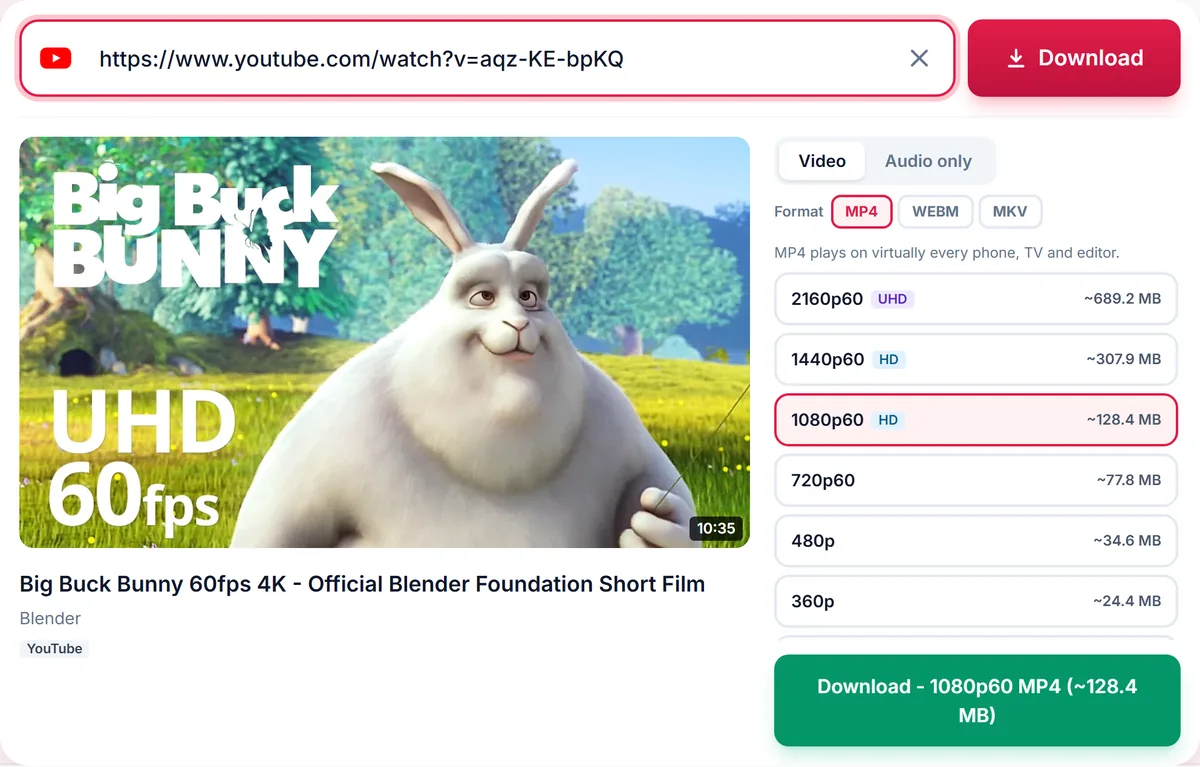
Go to SaveDock, paste the link and wait while the available options load. Choose the quality and press Download. The file is saved as MP4.
Extract just the sound
Open the Audio only tab to save the soundtrack as MP3, M4A, Opus or WAV. This is handy for keeping a clip of a talk or a song snippet for personal use.
What cannot be downloaded
Private accounts and videos removed by the creator are unavailable. Respect the creator and any music licensing: use downloads for personal viewing and ask before reposting.
Short links and full links
TikTok produces several kinds of links. The Share button gives a short link such as vm.tiktok.com or vt.tiktok.com, which redirects to the full video page. A full link looks like tiktok.com/@name/video/1234567890. Both work, and so do tiktok.com/t links.
If a short link has expired, open it in your browser first, copy the full address from the address bar, and paste that instead.
Quality and format
TikTok videos are vertical and usually offered in a few sizes. Choose the highest for the sharpest copy, or a smaller one to save storage. MP4 plays everywhere. If you only want the audio, switch to the Audio tab and pick MP3 or M4A.
Why some TikToks cannot be saved
Private accounts, deleted videos and videos limited by region or age cannot be processed. TikTok may also limit requests during busy periods, in which case waiting a minute and trying again usually works.
Be a good creator citizen
Ask permission before reposting a creator video, credit them, and do not use downloaded music commercially without a licence. Downloads are meant for personal viewing, reference and backups of your own content.
Downloading on iPhone and Android
On iPhone, use Safari: paste the link, press Download, and the MP4 is saved to the Files app under Downloads. Open it there, or press and hold and choose Save Video to add it to Photos. On Android, use Chrome; the file lands in the Downloads folder and appears in your gallery shortly afterwards.
On a computer the process is identical. Open SaveDock in any browser, paste the TikTok link and save the file wherever you like.
Saving sounds and voice-overs
If a clip contains a track you want to remember, open the Audio only tab and choose MP3 or M4A. This is a handy way to keep your own voice-overs and original sounds as separate files. Music licensed to TikTok is meant for use inside the platform, so keep any downloaded music for personal listening only.
Backing up your own TikToks
Creators can keep a backup of their own videos by pasting each link and downloading the original quality. It is a quick way to build an archive in case an account is lost or restricted. Name the files with the date so they stay organised.
For repurposing your own content on other platforms, download the MP4, trim it in a free editor and upload it as a Reel or Short.
Frequently asked questions
Do short vm.tiktok.com links work?
Yes.
Is a watermark added by this tool?
No. This tool does not add any watermark.
Can I use it on iPhone?
Yes, open it in Safari and the file saves to the Files app.
Can I download many TikToks at once?
Download them one by one; playlist-style bulk download is for YouTube playlists.
Keep reading
Only download content you own, that is licensed for download, or that is in the public domain. See our Terms of Service.