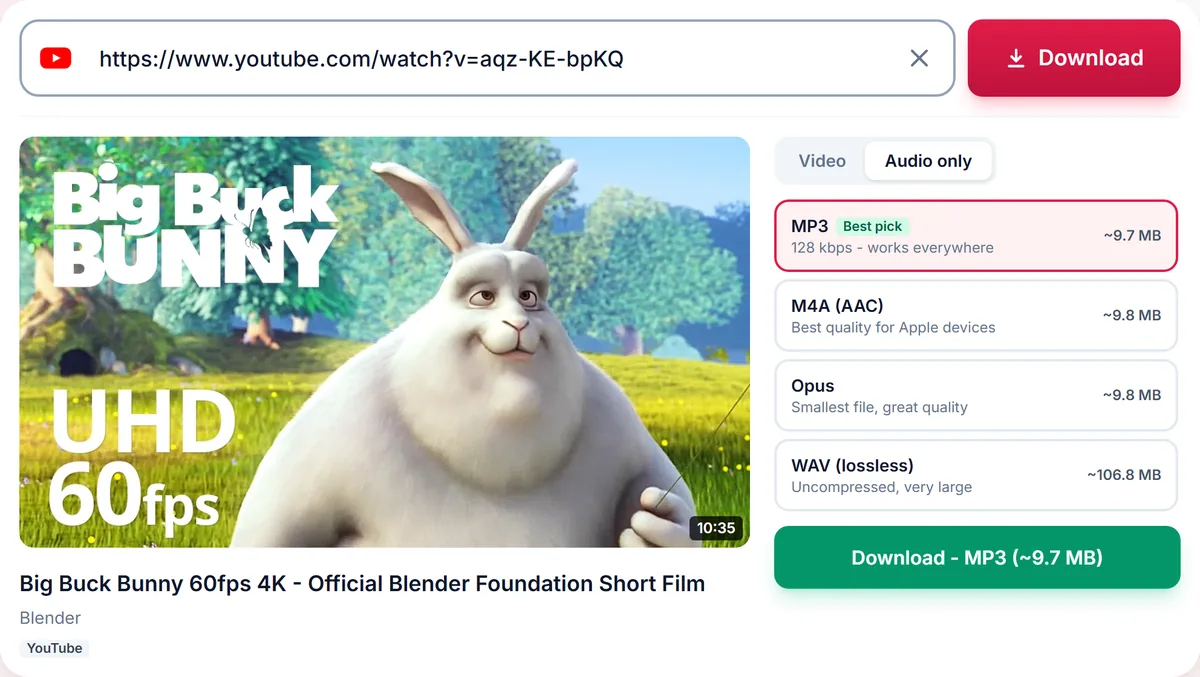
Extract the sound from a public Instagram Reel or video post and save it as MP3, M4A, Opus or WAV. Paste the link and download.
Still working. Some sites answer slowly, so this can take up to a minute.
Short
Playlist
Format
Nothing available in this category for this link.
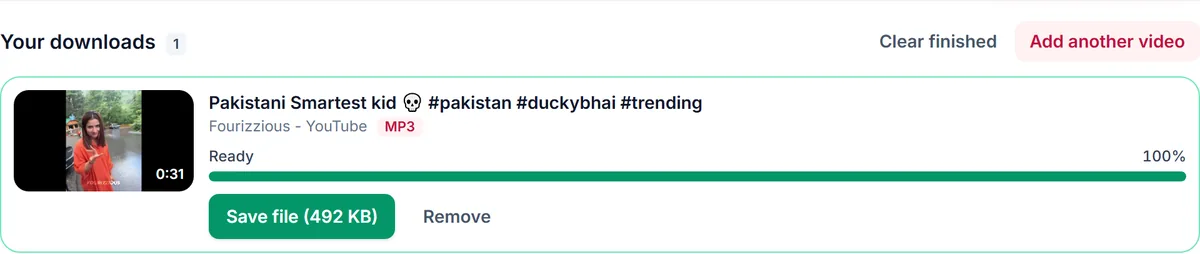
Your downloads
✓ Free, no sign-up✓ Up to 4K & MP3✓ Playlists & Shorts✓ Works on any device
How to use the Instagram Audio Downloader
1
In Instagram, open the Reel or video post, tap Share and choose Copy link.
2
Paste the instagram.com/reel or /p/ link above. The Audio tab opens automatically.
3
Pick MP3 or another format and press Download.
Instagram has no audio export
Saving a sound inside Instagram only bookmarks it for use in your own Reels. It never gives you a file. This tool takes the audio track of the public Reel or video and converts it into a real MP3 or M4A you can play anywhere, edit or keep offline.
Reels, video posts and carousels
Reel links (/reel/), video posts (/p/) and IGTV-style long videos all work. For a carousel with several videos, the first video is used. Stories and highlights need a login, so they are not supported.
MP3 or M4A?
Instagram stores Reel audio as AAC. Choosing M4A keeps that original audio without re-encoding, while MP3 converts it for players that only accept MP3. Pick WAV if you plan to cut or mix the sound in an editor.
Original audio and licensed music
Many Reels use songs from Instagram's music library, which are licensed to Instagram, not to you. Save original voice-overs and sounds with permission, keep music for personal listening, and never repost someone else's audio as your own.
Only download content you own, that is licensed for download or that is in the public domain. See our Terms of Service.
Supported Instagram link formats
Reelinstagram.com/reel/CODE/
Video postinstagram.com/p/CODE/
Long videoinstagram.com/tv/CODE/
Troubleshooting Instagram audio downloads
It says the post has no audio
Photo posts and silent videos have no sound to save. Check that the Reel plays with sound in Instagram.
Instagram is limiting requests
Wait a minute and try again. Instagram sometimes limits anonymous access during busy periods.
The link is from a Story
Stories and highlights need a login and cannot be downloaded.
The account is private
Only public accounts can be processed.
Tips for saving Instagram audio
Choose M4A to keep the original audio without re-encoding.