How to Download Facebook Videos in HD
By the SaveDock team · Updated
Facebook shows a Save option inside the app, but that only bookmarks the post. To keep a copy of a public video on your device you need its link. Here is how, with HD and audio included.
Skip the reading?
Use the Facebook Video Downloader or the main downloader.
Copy the video link
Open the video, tap Share, then Copy link. On a computer, right-click the video timestamp and copy the link address, or copy the URL of the watch page. Links like facebook.com/watch/?v=..., /reel/..., /videos/... and fb.watch short links all work.
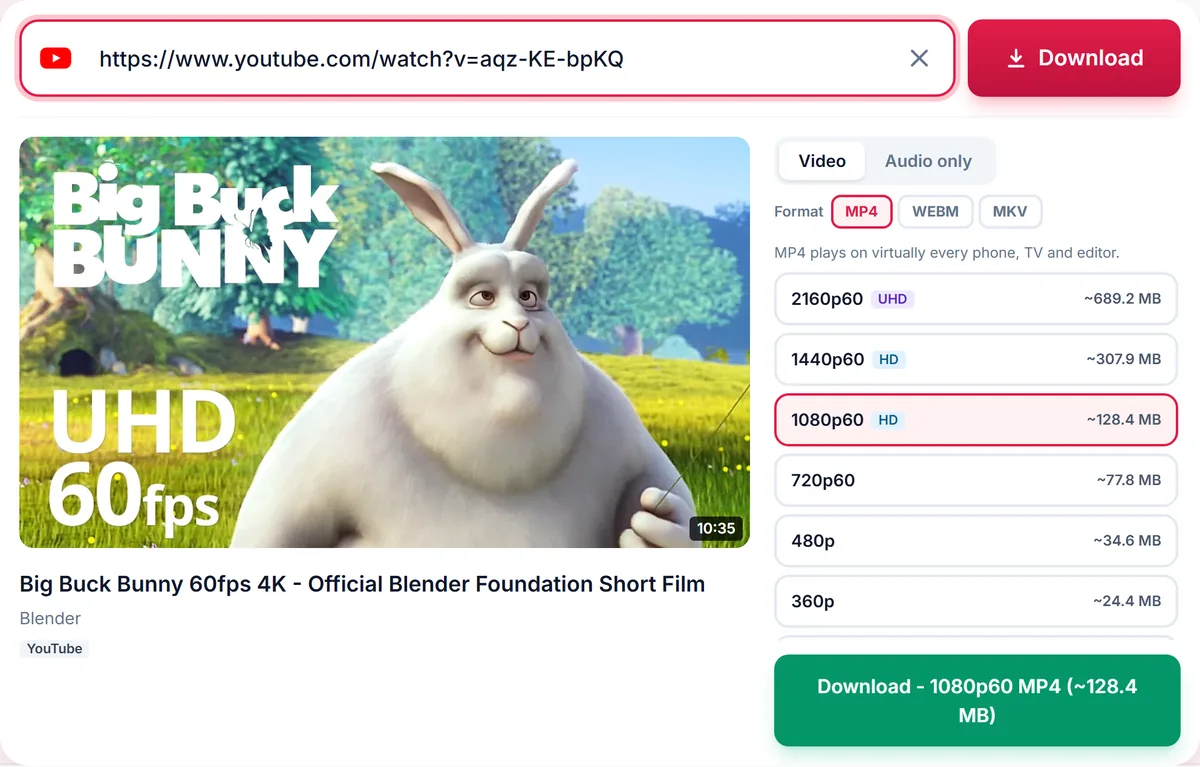
Choose the quality
Facebook often delivers HD video and audio as separate streams. We merge them into one MP4, so the file has sound. If the HD option is missing, the video was uploaded in standard definition.
Public videos only
Videos shared only with friends or inside private groups require you to be logged in, so they cannot be downloaded. We never ask for your Facebook password.
Save audio
Use the Audio only tab for MP3 or M4A if you only need the sound of a video, for example a recorded talk.
Which Facebook links work
Public video posts from pages and profiles, Watch videos, Reels and shared links are supported. Videos posted in private groups, or shared with friends only, require a login and are not available to anonymous tools. If you own such a video, you can download it from Facebook directly with your account.
If you copied a link from the Facebook app, it may open the app instead of the browser. Paste it into SaveDock anyway; the link itself is what matters.
HD, SD and sound
Facebook stores many videos in both SD and HD. When both exist, both are listed with their sizes. HD video and audio are sometimes separate streams, which we merge so the final file has sound.
Older videos may only exist in standard definition, which is why the HD option is missing for some links.
Troubleshooting
If a link says unavailable, open it in a private browser window. If it plays without logging in, try again; if it asks you to log in, the video is not public. If Facebook is rate limiting, wait a minute.
Privacy and respect
Only save videos you are entitled to keep. Do not share downloaded videos of people without their consent, and follow Facebook terms and local privacy laws.
Downloading on iPhone and Android
On iPhone, use Safari: paste the video link, choose a quality and tap Download; the file is saved to the Files app. On Android, use Chrome and find the file in Downloads. If you use the Facebook app, tap Share, then Copy link, and switch to your browser to paste it.
On a computer, copy the link from the address bar of the video page or from the Share menu, paste it into SaveDock and press Download.
Saving live replays and long videos
Finished live broadcasts that were published as normal videos can be saved like any other public video. Very long videos take longer to prepare and produce larger files, so consider choosing a lower quality first. Live streams that are still running cannot be downloaded until they end.
Backing up your own videos
If you manage a page or a profile, Facebook lets you download your own videos from your account. For public videos, a link-based downloader is a fast alternative. Keep a copy of important announcements, event recordings and tutorials so you never depend on a single platform.
Frequently asked questions
Can I download private Facebook videos?
No, only public videos can be downloaded.
Do fb.watch links work?
Yes.
Why is my video silent?
HD streams are merged with audio automatically. If a video has no audio track at the source, the file will have none either.
Is there a file size limit?
There is no fixed size limit, but very long videos may exceed our duration limit.
Keep reading
Only download content you own, that is licensed for download, or that is in the public domain. See our Terms of Service.